How to Create Your Own Writing Script
(Without Inventing a Language)
You don’t need to create an entire language to design a unique writing system. Scripts can exist independently—as artistic systems, secret codes, worldbuilding tools, or expressive visual languages. Think of them as how things are written, not what is being said.
Here’s how to build your own script from the ground up.

1. Define the System
Decide what your symbols represent and how the script works.
- Alphabetic, syllabic, symbolic, or logographic
- How many core symbols you need (start small: 10–15)
- Any basic rules (stacking, modifiers, start/end markers)

2. Design a Cohesive Visual Style
Create a consistent visual identity for the script.

3. Test, Use, and Refine
Write real text using your script and let it evolve.
1. Define the system
Before you design how the script looks, you need to decide how it functions. This doesn’t require linguistics—just intention.
Decide What Symbols Represent
Choose the level at which your symbols operate:
- Sound-based: symbols stand for sounds (letters, syllables)
- Meaning-based: symbols represent ideas, actions, or concepts
- Structural: symbols exist purely to organize text visually
- Abstract: symbols have no fixed meaning and gain purpose through pattern
You can even design a script that transliterates existing text (e.g., writing English using a new script).
Choose Scope and Size
Start intentionally small:
- 8–12 core symbols
- Optional modifiers (dots, lines, rotations)
- One or two punctuation-like marks
A limited set:
- Forces consistency
- Makes the script easier to write repeatedly
- Helps patterns emerge naturally
Many believable scripts feel complete with surprisingly few symbols.
Establish Internal Rules
Rules give your script identity—even if no one else knows them. Examples:
- Symbols must always connect
- No symbol can appear twice in a row
- Diacritics change “tone” or importance visually
- Certain shapes only appear at the beginning or end of a line
You don’t need to explain these rules—just follow them consistently.
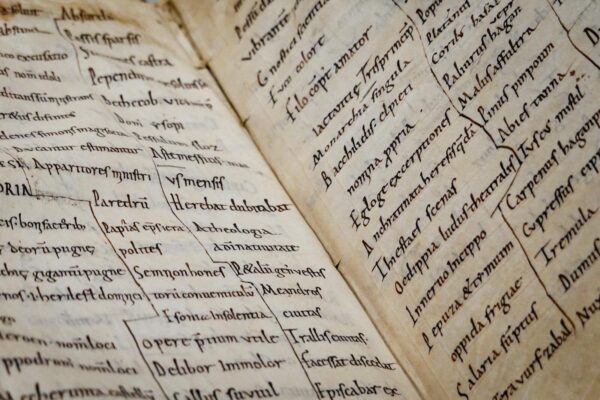
2. Design a Cohesive Visual Style (How It Looks)
Once the system exists, give it a visual personality. This is where your script becomes expressive and distinct.

Choose Core Visual Elements
Pick a small set of shapes and commit to them:
- Curves vs. angles
- Thick strokes vs. thin
- Open shapes vs. enclosed forms
- Sharp terminals vs. rounded ends
Limiting your visual “alphabet” makes the script feel u
Decide Flow and Direction
Flow changes how the script feels emotionally and culturally:
- Horizontal → modern, readable, practical
- Vertical → ceremonial, poetic, ancient
- Stacked → dense, symbolic, ritualistic
- Radial / non-linear → mystical, conceptual, artistic
Also decide:
- Whether symbols touch, overlap, or float
- Letter spacing (tight vs. airy)
- Line spacing
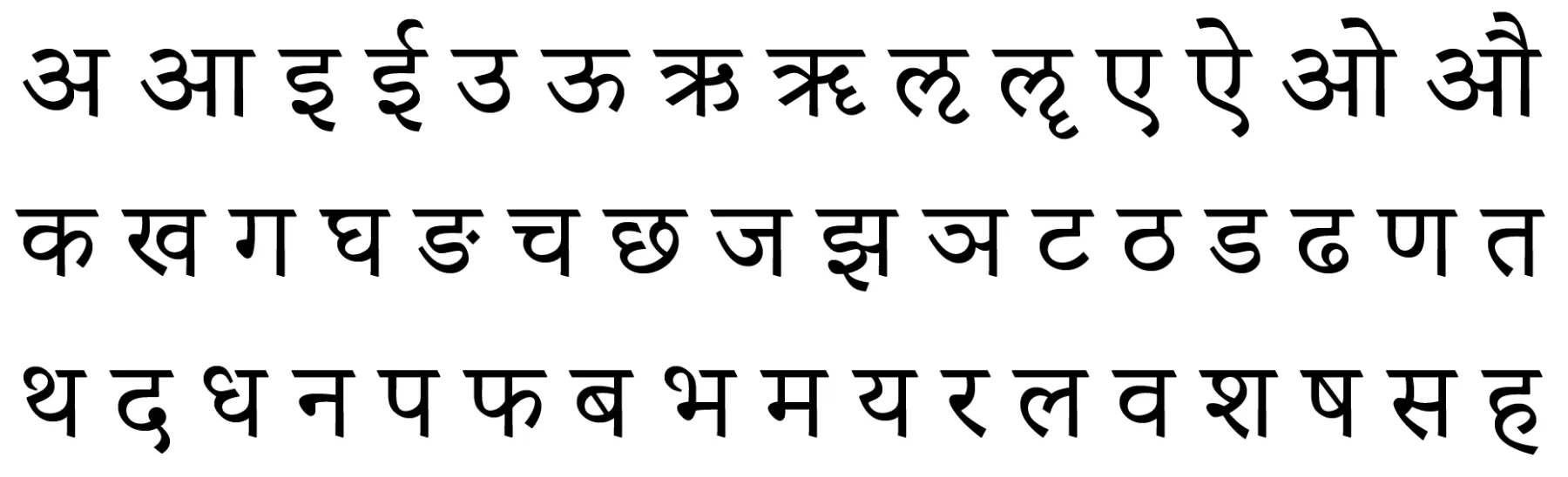
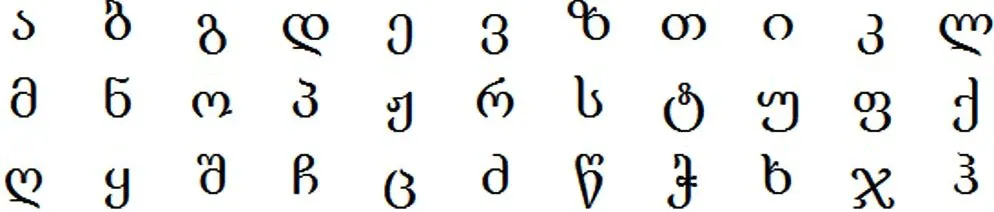
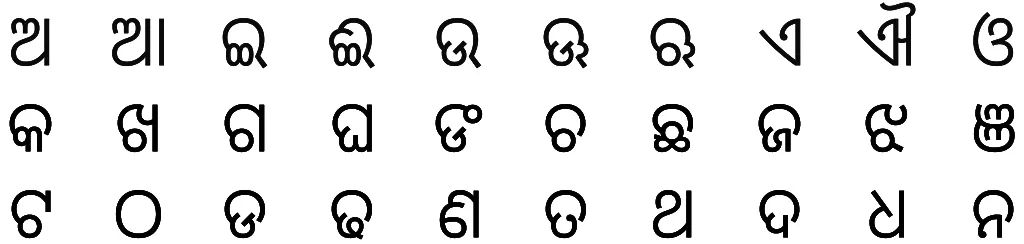
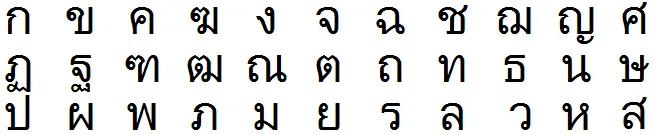
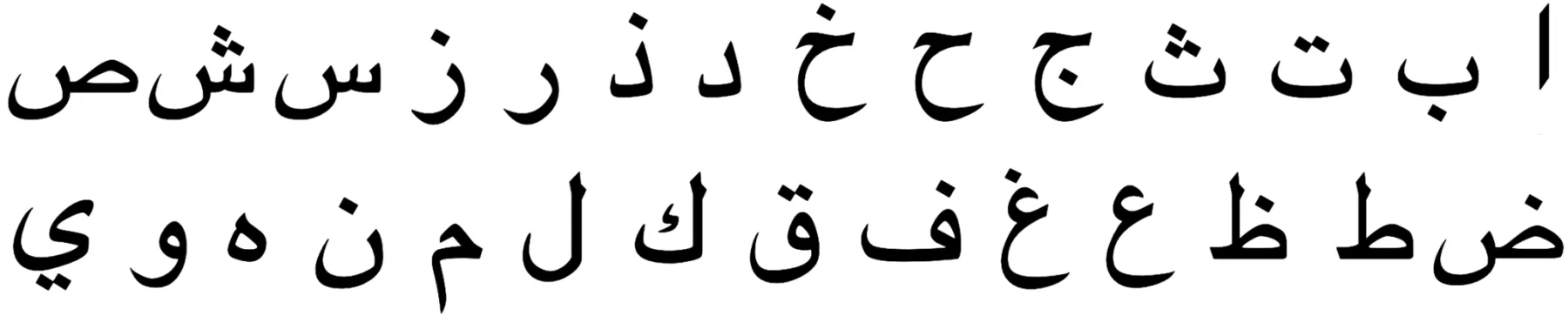
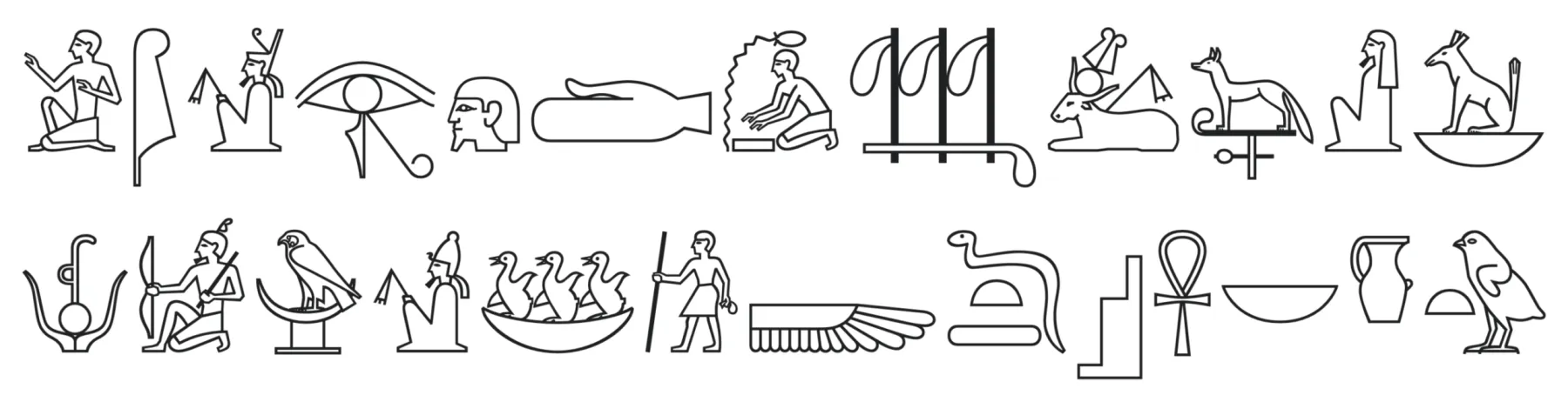
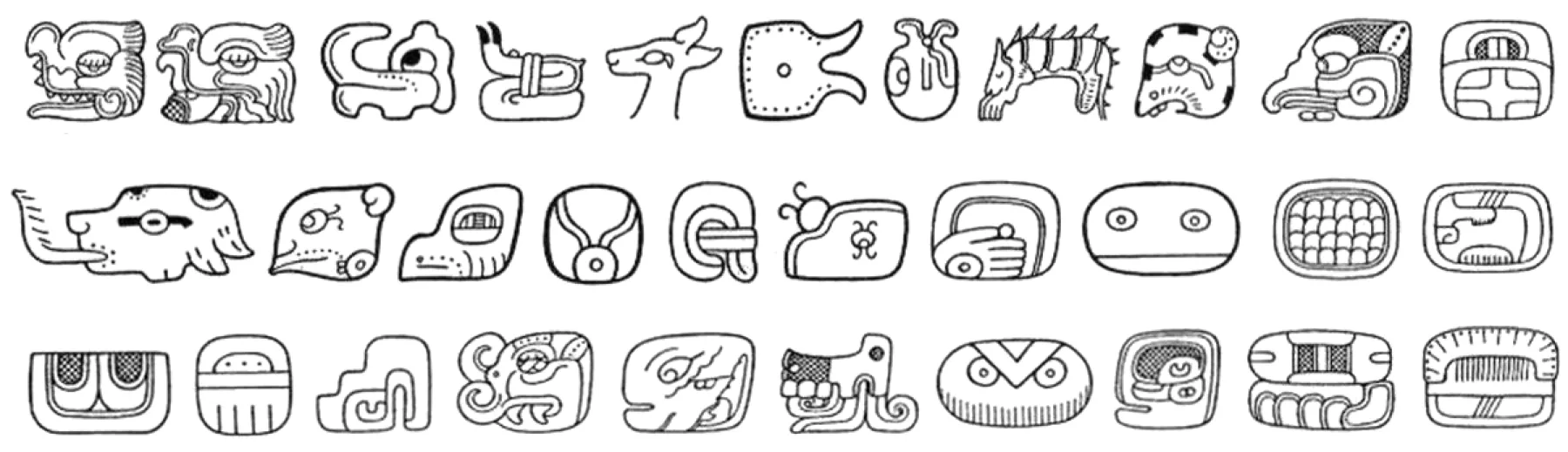
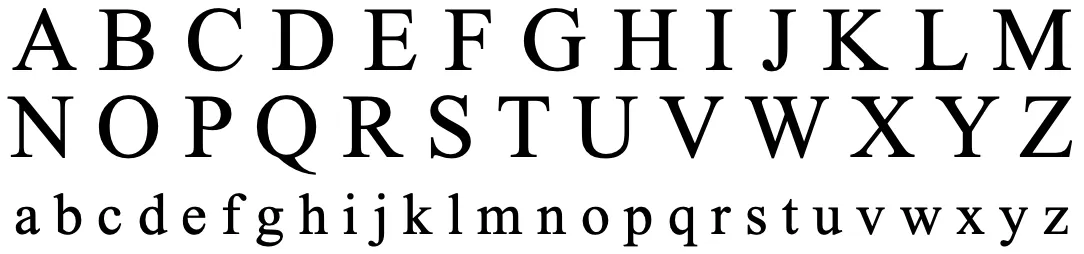
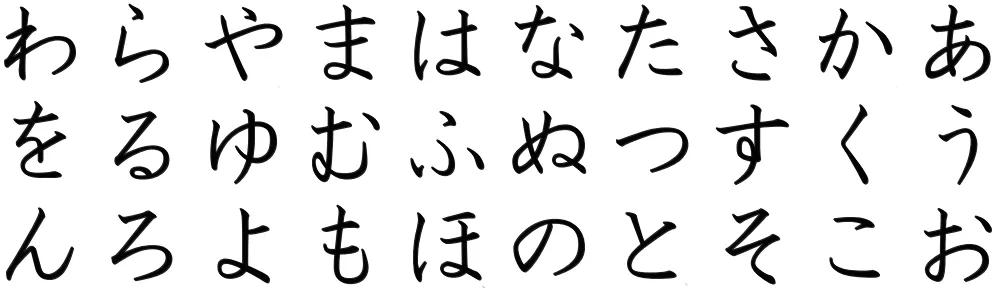
Design Your own Script





Create Visual Hierarchy
Not all symbols need equal weight. You can emphasize:
- Important glyphs by size
- Structural marks with heavier strokes
- Decorative elements that frame text
This adds rhythm and helps the script feel intentional rather than decorative scribbles.
3. Test, Use, and Refine (How It Evolves)
A script only becomes convincing when it’s used repeatedly.
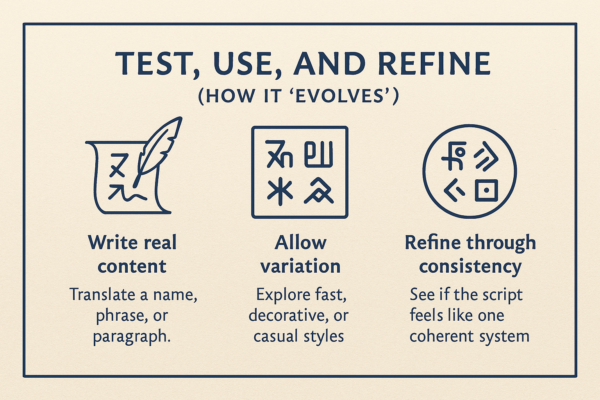
Write Real Content
Translate something concrete:
- Your name
- A short paragraph
- A poem or quote
- The same sentence multiple times
This reveals:
- Awkward shapes
- Too much repetition
- Balance issues
- Symbols that are annoying to write
If a glyph frustrates you, redesign it. Scripts evolve for ease just like real ones do.
Allow Variation
Real scripts change depending on context. Experiment with:
- A formal vs. casual version
- Fast handwriting vs. careful inscription
- Decorative vs. minimal styles
Let shortcuts appear naturally. Those shortcuts often become defining characteristics.
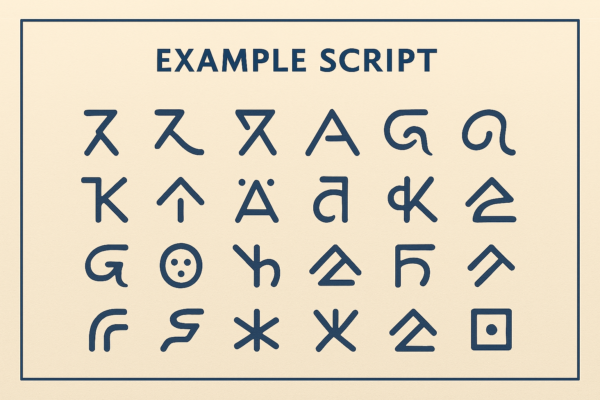
Arrows
A few ideas to get you going!
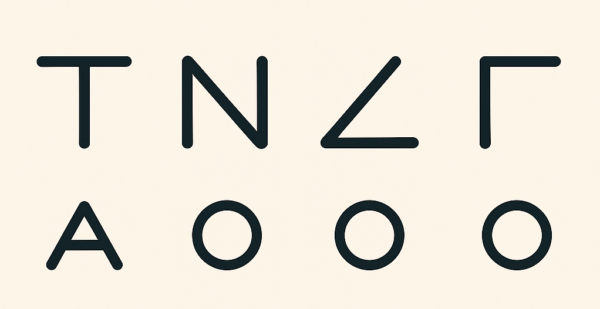
Angles
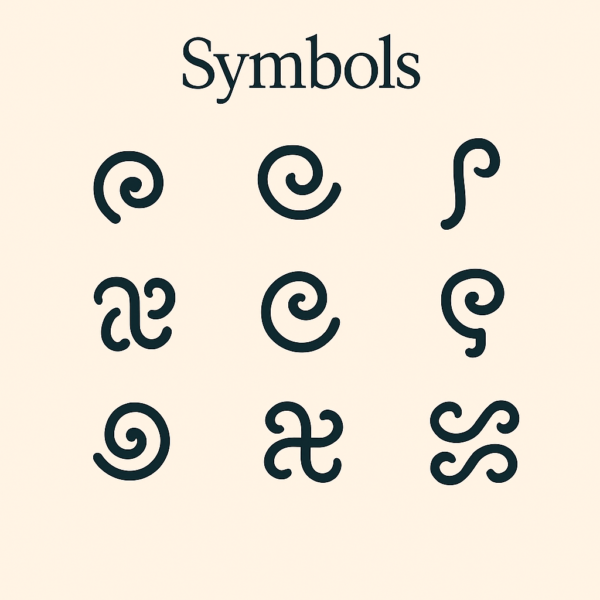
Symbols
Refine Through Consistency
Ask yourself:
- Does this look like it belongs to itself?
- Would another piece written in this script be recognizable?
- Do symbols feel related rather than random?
When the answer is “yes,” your script works—even if no one can read it.
Do you want to learn more about how to make your own scripts? Check out our friends at Neography.com!